Network upgrades, new access points and security cameras all mean cable through rated walls. Each hole is a breach until it is sealed with the right system. Most IT contractors are not firestop installers, and the ceiling tiles often go back before anyone checks. Here is the checklist we give facility teams for every cable project.
Why cable projects open so many barriers
A single cable pull can cross a dozen rated walls. The installer drills or punches through, pulls the bundle and moves on. Sealing the hole is often nobody's line item. In occupied buildings, especially hospitals, the work happens in tight windows at night, and the ceiling closes before anyone looks.
Surveyors know this. Open penetrations in smoke barrier walls are a common hospital finding, cited under K372 by CMS and scored under PE.03.01.01 by The Joint Commission.
Before the pull
Issue an above-ceiling permit. Nobody lifts a tile without one. The permit names the contractor, the area and who will inspect before the ceiling closes.
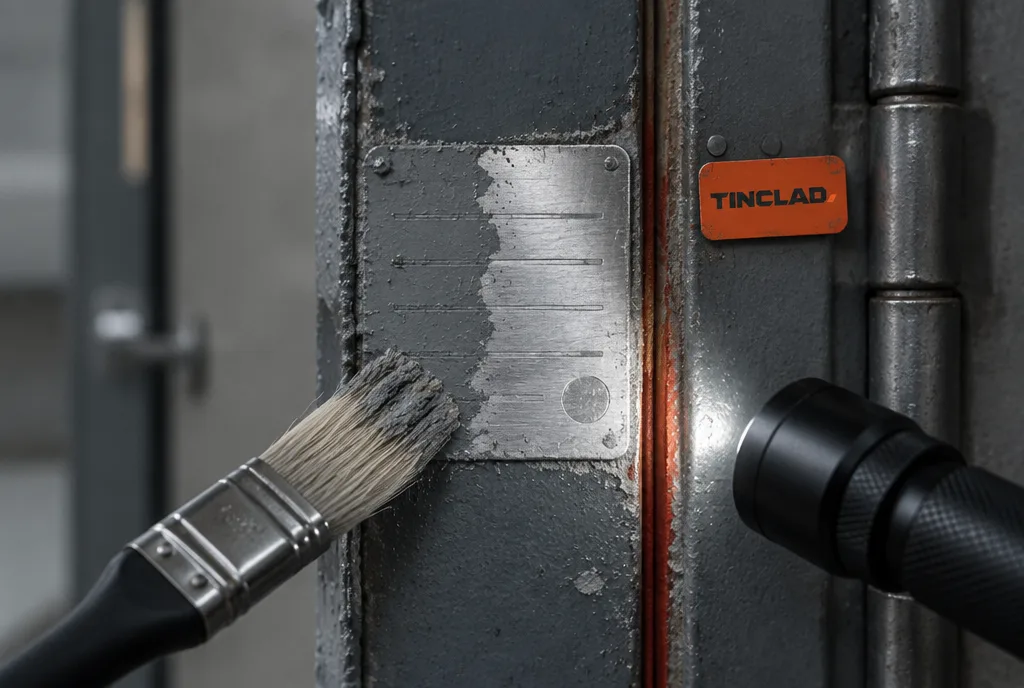
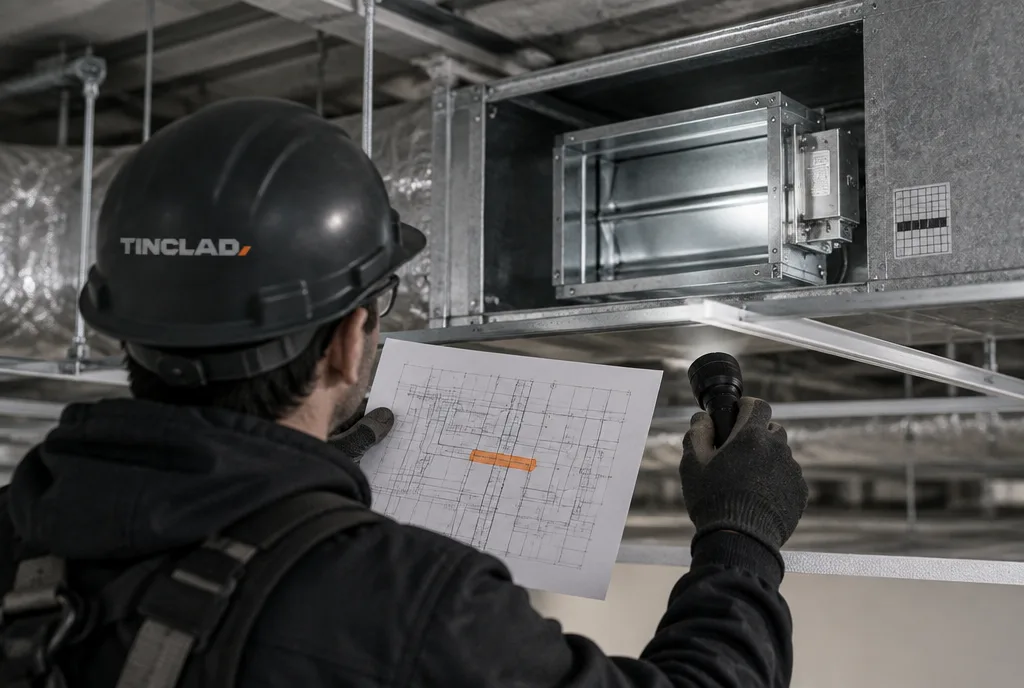
Mark the rated walls. The installer needs to know which walls are rated before drilling. Barrier labels above the ceiling and your life safety drawings do this.
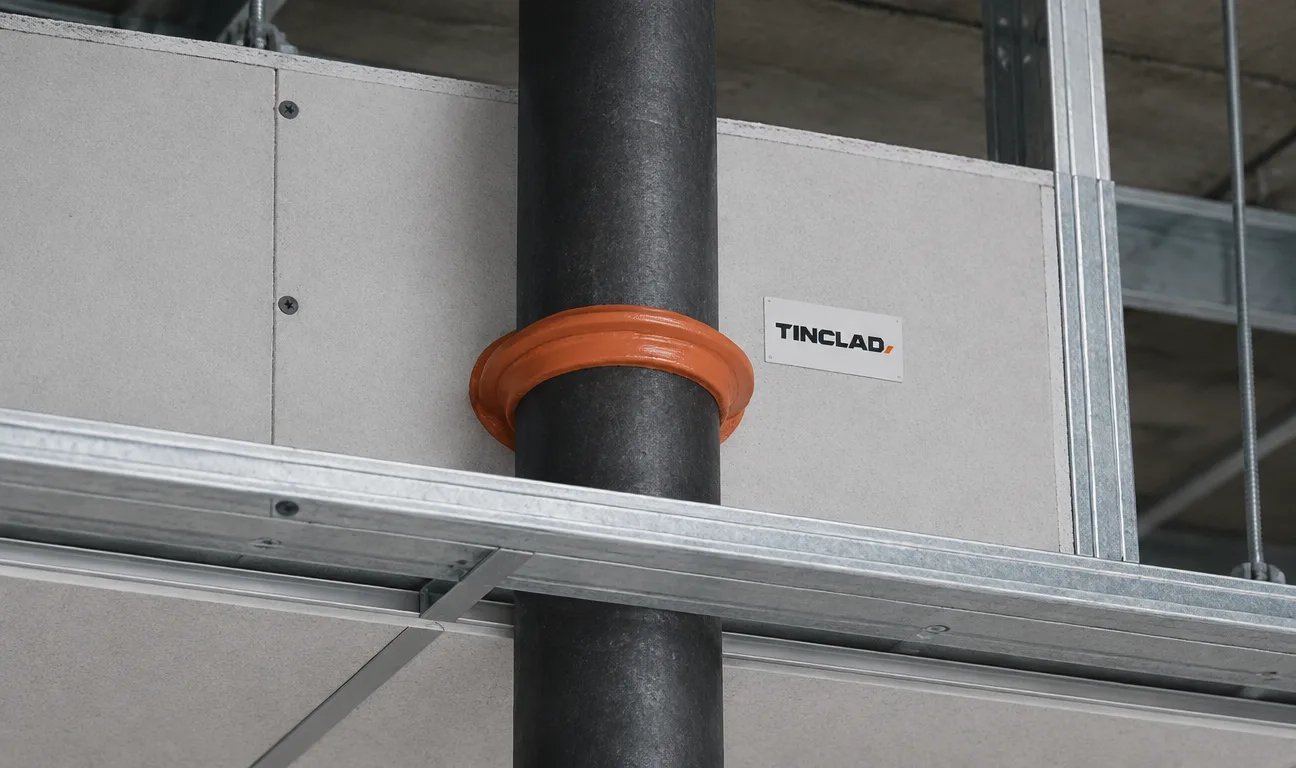
Pick the firestop system in advance. Each penetration needs a tested, listed system for that wall type, that item and that rating. Cable bundles, conduit and cable trays each use different systems. Decide who installs it and put the system numbers in the scope. If the IT contractor does not do firestop, hire someone who does.
Plan for future cable. Where more cable is likely, a listed re-enterable device or pathway lets the next contractor add cable without tearing out the seal.
During the pull
Keep holes tight. Every listed system has limits on the size of the opening, the size of the bundle and how full the opening can be. An oversized hole can rule out the system you planned to use.
Seal as you go. A hole left open "until the end of the job" is the one that gets missed.
Stay out of dampers and door openings. Cable run through a damper frame can stop the damper from closing. Cable run through a door gap stops the door from latching.
After the pull, before the tile goes back
Walk every penetration. Compare what was installed to the system that was planned. Check the fill, the space around the cable and the sealant depth against the listing.
Label each seal. A label with the system number and installer tells the next person what is there.
Photograph it. A photo of each seal, tied to a location on your drawings, is your proof if a surveyor asks.
Look for old damage. Once the ceiling is open, look at the rest of the wall. Old holes, cracked sealant and open joints at the top of the wall are common. Fix them now while access is easy.
Close the permit. Sign it off only after the inspection, and keep the record in your file.
Old cable
Cable that is no longer used often stays in the ceiling, running through seals that were never redone. When a project replaces cable, ask whether the old runs come out, and reseal the openings they leave behind.
Common mistakes we find
Expanding foam that is not part of any listed system
Fire caulk used on a penetration it was never tested for
Sleeves with no sealant inside them
New cable pushed through an old seal, leaving a gap around it
Walls that stop at the ceiling instead of the deck, so there is no complete barrier to seal
What to do next
If your building just finished a network or security project, the ceiling is the place to check. Our firestop inspection and above-ceiling survey finds every open penetration and marks it on your drawings, and our firestopping installation and repair crew seals them with listed systems. To set up a permit program, see our firestop and above-ceiling guide. To get started, request a quote or call (610) 684-9715.
Insights